Every business needs a letterhead that looks sharp on the first try, and hunting for a decent microsoft word letterhead template shouldn’t eat up your afternoon. Most free templates online are either bloated with placeholder graphics you can’t remove or locked behind a subscription you don’t need for a one-page document. You just want something clean that opens in Word, lets you drop in your logo, and looks professional the moment you hit print.
This list solves that problem directly. We’ve picked six templates that are genuinely free to download, easy to edit even if you’ve never touched Word’s design tools, and flexible enough to suit anything from a solo contractor’s invoice header to a full corporate letter. Each one covers the basics: contact details, a clear header, and enough white space that your message doesn’t get lost.
Below, you’ll find a quick breakdown of each template, who it suits best, and how to customize it in minutes. And once your design is ready, remember that a professionally printed letterhead on quality stock makes a stronger impression than anything run off a home printer, something we handle daily for businesses across the GTA.
1. Apex Workwear custom letterhead printing and design help
Starting a design from scratch isn’t always the best move, especially when you want your letterhead to actually get printed and look good on real paper. Apex Workwear takes a different approach from the pure template sites on this list: instead of just handing you a Word file and wishing you luck, we pair a customizable letterhead template with real design support and professional printing, so the document you edit at home is the same one that lands on quality stock at your office.
What’s included
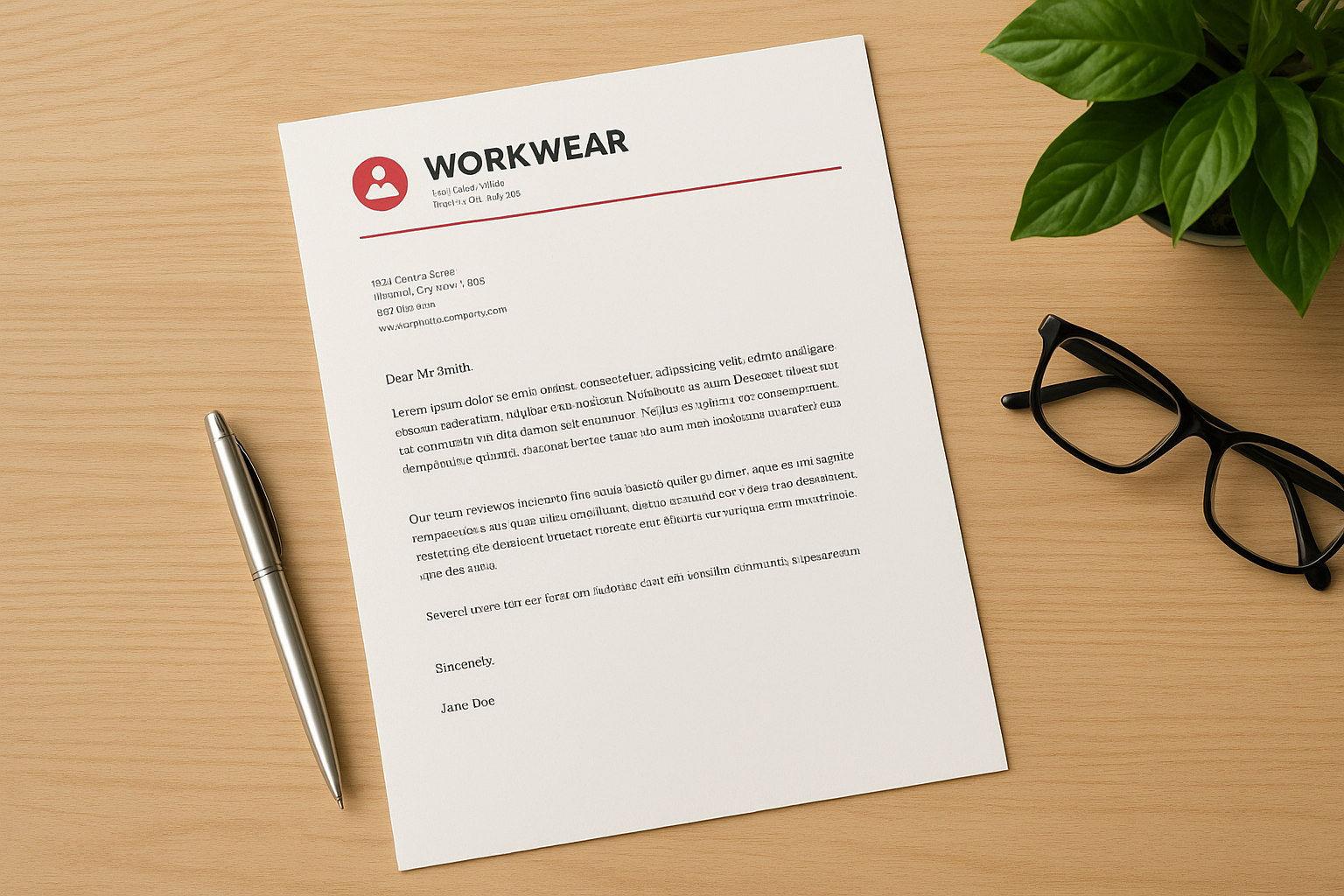
You get a clean, editable Microsoft Word letterhead template built around your logo, brand colours, and contact details, plus a digital proof before anything goes to print. There’s no clutter of stock graphics you’ll spend an hour deleting.
How to customise it
Our team reviews your design and makes basic edits or layout adjustments at no extra cost, something most free download sites simply don’t offer.
- Send us your logo and business details through our free quote request
- We build or adjust the Word template to match your branding
- You approve a digital proof within 24 hours
- We print on your chosen stock and ship it out
A letterhead only works if it prints as sharply as it looks on screen, and that’s where most free templates fall short.
Best for
This option suits small business owners and contractors in the GTA who want a letterhead that’s ready for both digital use and professional printing, without hiring a separate designer. It’s also a solid fit if you’re ordering matching business cards, NCR forms, or other print essentials at the same time, since everything comes from one Canadian-based shop.
Pricing
Getting a quote costs nothing, and we respond within 24 hours, seven days a week. Print pricing depends on paper stock, quantity, and finishing, but bulk discounts apply on larger runs, and there are no minimums on many products, so ordering a small batch for a new business won’t cost you a premium.
2. Microsoft Create letterhead templates
Microsoft’s own template gallery, Microsoft Create, is the obvious first stop if you already have a Word or Microsoft 365 licence. These free letterhead templates live directly inside the software you’re using, so there’s no third-party download to trust and no odd file format to wrestle with.
What’s included
You’ll find dozens of layouts ranging from minimalist single-colour headers to more decorative designs with borders and icon sets. Each pre-built template already has placeholder text for your company name, address, and tagline, so you’re editing rather than building from a blank page.
How to customise it
Open the template straight from Word’s start screen or the Create website, then swap the placeholder logo and text for your own. Microsoft’s built-in design tools handle fonts, colours, and spacing without needing outside software.
Editing inside Word itself means zero compatibility headaches when you go to print or email the file.
Best for
This works well for solo professionals and small teams who want something functional fast and don’t need a distinctive brand look.
Pricing
The templates themselves are free, though full editing features require an active Microsoft 365 subscription.
3. Canva letterhead templates
Canva has become the default design tool for anyone without formal design training, and its letterhead section reflects that. While it’s not strictly a Word template library, you can design a letterhead visually and export it as a Word-compatible file, which suits people who find Word’s formatting tools clunky.
What’s included
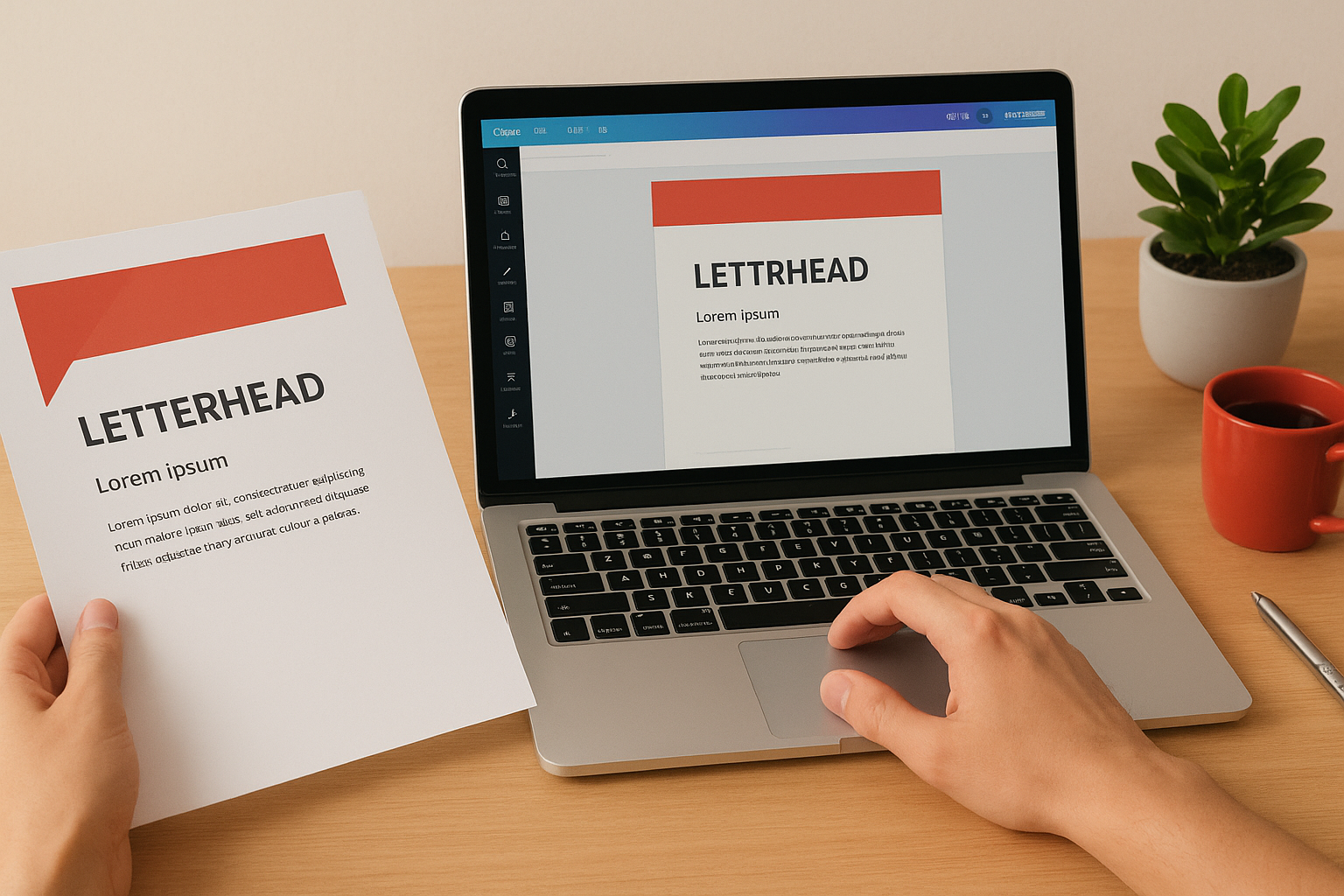
You get a huge range of drag-and-drop layouts, from bold geometric headers to soft, minimalist designs with muted colour palettes. Fonts, icons, and stock graphics are all built into the editor, so you’re never starting with a blank page.
How to customise it
Pick a template, then swap in your logo, adjust the colour palette to match your brand, and edit the placeholder text directly in the browser.
- Choose a letterhead template from Canva’s library
- Replace fonts, colours, and images with your branding
- Download as a Word document or PDF
- Open in Word to make final tweaks before printing
A visual editor like this suits people who think in layouts, not paragraphs.
Best for
Canva fits creative agencies and small teams who want more design flexibility than Word offers and don’t mind working outside Microsoft’s software entirely.
Pricing
Basic templates are free with a Canva account, though some premium designs and elements sit behind a Canva Pro subscription.
4. Template.net letterhead templates
Template.net has built its reputation on sheer volume, and its letterhead category is proof of that. If you want to compare dozens of styles side by side before committing to one, this large template library gives you more choice than most sites on this list.
What’s included
Searching the site turns up hundreds of industry-specific designs, covering law firms, medical practices, construction companies, and creative studios. Files download as Word documents, so you’re not locked into a separate app or browser tool to make edits.
How to customise it
Download the .docx file, then edit the text boxes and swap the placeholder logo for your own directly in Word.
- Search or browse by industry to narrow the options
- Download the Word version of your chosen design
- Replace logo, colours, and contact details
- Save and print or attach to emails
More choice only helps if you can actually find a design that fits your industry, and that’s Template.net’s real strength.
Best for
This suits contractors and niche businesses who want a design that already looks tailored to their trade rather than generic.
Pricing
Many designs download free, but a large portion of the catalogue sits behind a paid Template.net membership, which can catch you off guard partway through.
5. Office Templates Online letterhead templates
Office Templates Online focuses on a narrower, more practical catalogue than the sprawling directories above, and that’s exactly its appeal. If you want a straightforward microsoft word letterhead template without wading through hundreds of near-identical options, this site keeps things simple.
What’s included
Expect a modest but well-curated set of business-focused designs, mostly single-page layouts with a header band, logo placeholder, and footer for contact details. There’s little in the way of decorative flourish, which suits businesses that want something understated rather than eye-catching.
How to customise it
Each file downloads as a ready-to-edit .docx, so you open it in Word and start typing over the placeholder content immediately.
- Download the letterhead file to your computer
- Replace the sample logo and business name
- Adjust fonts or colours if needed
- Save as PDF before sending to clients
Simplicity is a feature, not a shortcoming, when all you need is a clean header that won’t distract from your message.
Best for
Small service-based businesses, like bookkeepers or consultants, who want a professional look without spending time comparing dozens of styles will find this site quick and painless.
Pricing
Most templates are free to download, with no account or subscription required to grab the basic .docx file.
6. TemplateLab letterhead templates
TemplateLab rounds out this list as the site to check when you want a large free collection without any paywall surprises. Unlike some directories, almost everything here downloads without an account or subscription, which makes it a low-friction option if you’re just testing a few layouts before settling on one.
What’s included
You’ll find hundreds of ready-made letterhead designs, organised loosely by style rather than industry, ranging from formal corporate headers to simpler layouts built around a single logo and colour band. Files come as Word documents, so there’s no conversion step before you start editing.
How to customise it
Download your chosen .docx file, then replace the placeholder logo, business name, and contact details directly in Word using the existing text boxes and formatting.
- Browse the free letterhead category on TemplateLab
- Download the Word file that matches your style
- Swap in your logo and business details
- Print a test copy before ordering in bulk
Free doesn’t have to mean flimsy, and TemplateLab proves that with genuinely usable, editable designs.
Best for
This suits budget-conscious startups and individuals who want to try a few different looks before committing to one design for their business.
Pricing
Everything on the site downloads free, with no membership tier or locked premium designs to worry about.
Choosing the right letterhead for your brand
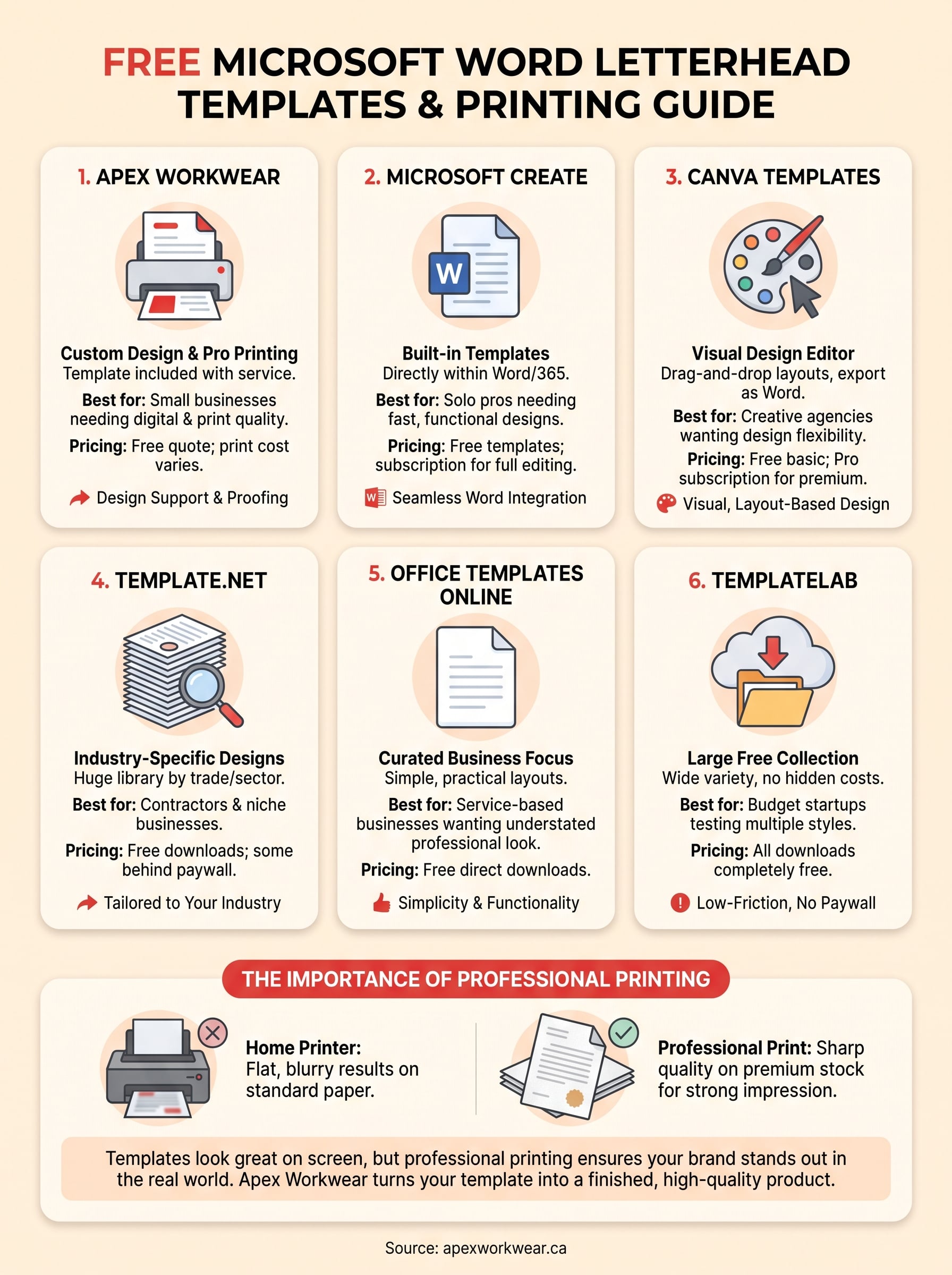
A good letterhead comes down to two things: a template you can actually edit without fighting the software, and a final print that matches what you saw on screen. Microsoft Create, Canva, Template.net, Office Templates Online, and TemplateLab each cover the editing side well, giving you free, downloadable options that suit different styles and skill levels. But a downloaded Word file is only half the job if your goal is a professional document that lands in front of clients or sits on a contractor’s desk.
That’s where the gap usually shows up. Templates look sharp in Word, then print flat or blurry on home printers using standard paper. If you want your business letterhead to hold up on quality stock, with a real proof and design help before anything ships, get a free quote from Apex Workwear and we’ll turn your template into a finished product, printed right here in Canada.