If you run a DTF printer, your RIP software controls everything from colour accuracy to white ink management. CADlink DTF software, now sold under the Digital Factory brand, is one of the most widely used options in the industry, and for good reason. It gives operators direct control over print queues, ink channels, and colour profiles in ways that generic printer drivers simply can’t match.
But choosing the right version and understanding what you’re actually paying for isn’t always straightforward. CADlink offers multiple editions at different price points, and the jump from v11 to v12 brought significant changes that affect day-to-day production. Whether you’re setting up your first DTF printer or evaluating an upgrade, the details matter before you commit.
At Apex Workwear, we produce custom DTF-printed apparel out of Canada and work with this category of software daily. This article breaks down what CADlink DTF software does, how the versions compare, and what each tier costs, so you can make an informed decision based on your actual production needs.
Why CADlink matters for DTF printing
DTF printing has a unique set of technical demands that most generic printer drivers aren’t built to handle. White ink management is one of the biggest challenges, since DTF transfers require a white underbase layer that sits beneath the colour ink, and the order, density, and choke of that layer directly affect how the final transfer looks on fabric. Without dedicated RIP software, you’re essentially guessing at these settings rather than controlling them precisely.
The limits of standard printer drivers
Most printers ship with basic drivers that handle straightforward document printing well enough. DTF production, however, requires you to manage ink channel separation, CMYK+W layering, and queue prioritisation across multiple jobs at once. A standard driver doesn’t give you that level of access. Colour profiles specific to your transfer film and ink set also can’t be loaded or customised in a basic driver, which means your prints will likely come out inconsistent from batch to batch.
Choosing the right RIP software from the start saves you hours of reprints and wasted film later on.
Why RIP software changes the output
CADlink DTF software gives you a dedicated environment where every variable in the print process becomes adjustable. You can set white ink density by zone, apply specific ICC profiles to match your film supplier’s recommendations, and manage print queues without stopping production to reconfigure settings. These aren’t minor conveniences. They directly affect transfer quality, ink consumption, and consistency across large runs.
For Canadian shops working at volume, that consistency is what keeps costs predictable. If your white layer is too thin, the transfer won’t adhere properly after pressing. If it’s too thick, you waste ink and risk cracking. RIP software like CADlink gives you the exact controls to dial that in, rather than relying on default values that weren’t designed for DTF production specifically.
What CADlink DTF software does in your workflow
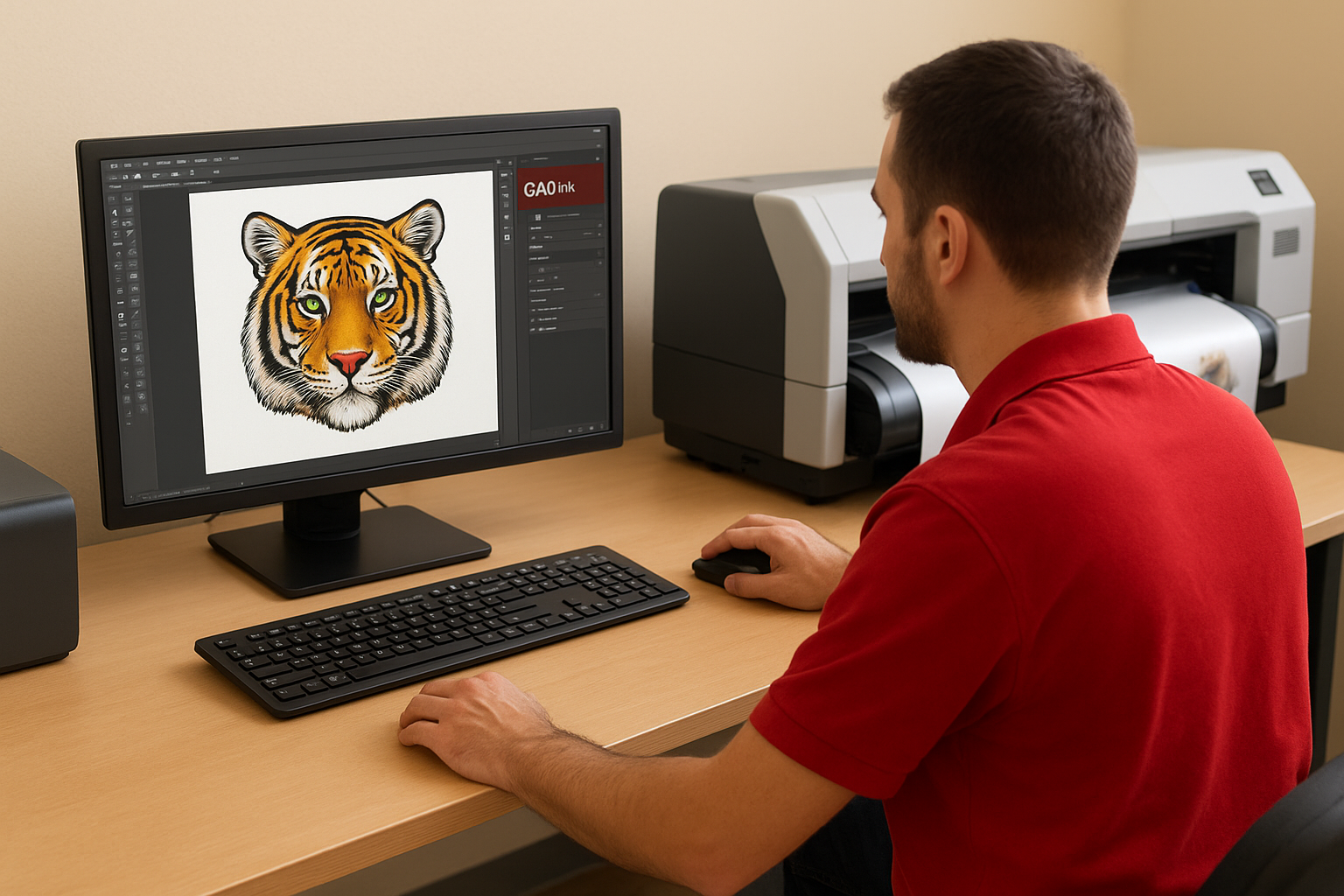
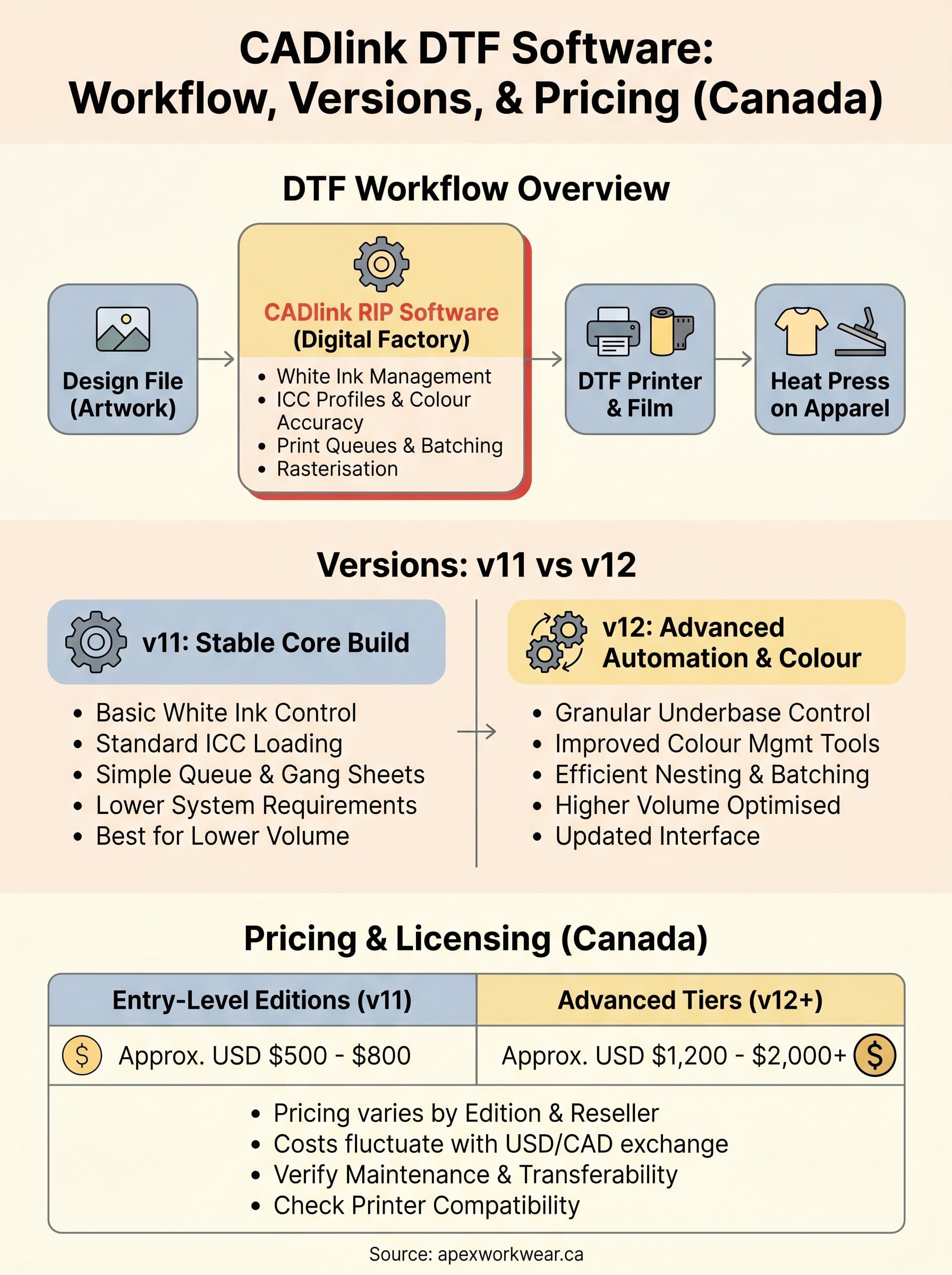
CADlink DTF software sits between your design files and your printer, translating artwork into precise print instructions that your hardware can execute consistently. Think of it as the production manager on the floor: it handles job intake, processes colour data, and sends each layer to the printer in the correct sequence.
Handling jobs from file to film
When a file lands in the queue, the software rasterises the image, applies your loaded ICC profile, and calculates the white underbase layer based on your configured settings. You control the choke value, the ink density, and whether white prints before or after colour. These settings stay attached to each job, so repeat orders come out identical without you reconfiguring anything.
Getting these settings right once means every rerun from that point forward is predictable.
Managing ink and queue efficiency
CADlink also lets you batch multiple jobs onto a single gang sheet, which reduces film waste and speeds up production runs. Your queue stays active while you’re setting up new files, and the software handles ink channel routing automatically based on your printer’s configuration. That combination of queue control and ink management is what makes it a practical tool for shops running consistent daily volume.
CADlink vs Digital Factory: what changed
If you’ve searched for CADlink DTF software recently, you’ve likely noticed the Digital Factory name appearing in its place. CADlink Technology Corporation rebranded its print production software under the Digital Factory label, which creates confusion when buyers see both names used interchangeably across reseller sites, forums, and documentation.
The rebrand is cosmetic at the product level, but it matters when you’re searching for support, updates, or the right licence for your printer.
What the rebrand actually means
CADlink remains the company name, while Digital Factory is now the product name for the RIP software line. So when a reseller lists "Digital Factory DTF" or "CADlink Digital Factory," they’re referring to the same software family. The underlying RIP engine, the workflow tools, and the configuration options all carry forward from the original CADlink product line.
What changed in practice
The transition brought updated licensing portals, new documentation, and a refreshed user interface in later versions. If you’re running an older installation licensed under the CADlink name, your activation keys and support pathways may differ from a current Digital Factory purchase. You should confirm with your reseller which portal manages your licence before purchasing an upgrade, since mixing legacy and current licences on the same machine can create activation issues that slow down your production setup.
Versions v11 vs v12: differences that matter
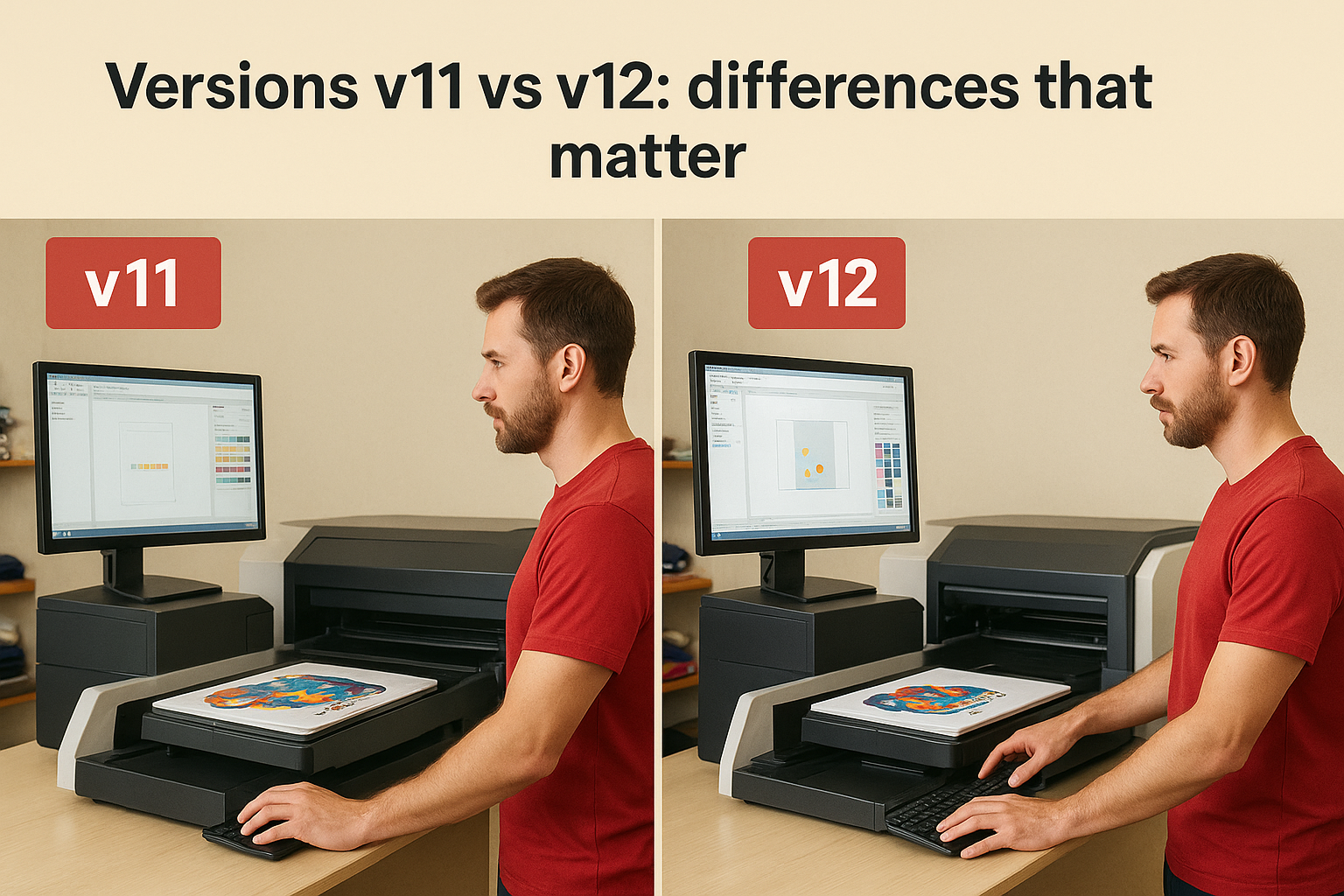
The version you run on your production floor affects more than just the interface. V11 and v12 of CADlink DTF software represent distinct stages in the product’s development, and the differences show up in specific workflow areas that matter for daily production. Knowing what each version actually changes helps you decide whether an upgrade justifies the cost for your setup.
What v11 gives you
V11 is a stable, proven build that covers the core DTF production requirements: white ink management, ICC profile loading, queue control, and gang sheet layout. For smaller shops running lower daily volumes, v11 handles the fundamentals without gaps. Many operators still run it without issues, particularly on older hardware where v12’s updated system requirements may create compatibility problems worth checking before you commit to anything.
What v12 adds
V12 introduces improved colour management tools and a more refined interface for handling complex print queues at higher volumes. The white underbase controls are more granular, giving you better zone-by-zone density adjustments without manual workarounds. Nesting and gang sheet automation also improved significantly in v12, which cuts setup time when you’re pushing through large batches on a tight schedule.
If you’re scaling your DTF operation past a handful of jobs per day, v12’s automation tools start to pay for themselves quickly.
Pricing and licensing in Canada: what to expect
CADlink DTF software pricing varies by edition, version, and where you buy in Canada. Most Canadian resellers quote in USD since CADlink prices its software internationally, which means your final cost shifts with the exchange rate at the time of purchase. Budget for that fluctuation rather than assuming the listed price matches what you’ll pay at checkout.
What licences cost in Canada
Entry-level editions of Digital Factory DTF typically run in the USD $500 to $800 range, while higher-tier editions with expanded automation and colour management tools push into the USD $1,200 to $2,000+ range. Annual maintenance fees, which cover updates and support access, add to the ongoing cost. Confirm whether your quote includes maintenance before you commit, since not all resellers bundle it into the base price.
Always verify whether your licence is node-locked to a single machine or transferable, since that affects how you handle hardware upgrades later.
What affects your total cost
Your printer make and model determines which edition tier you need, as some printers require a specific licence level to unlock full ink channel control. Buying through a Canadian reseller rather than purchasing direct can sometimes include local setup support, which reduces your onboarding time considerably. A few factors that regularly shift the final price:
- Edition tier: higher tiers unlock advanced queue automation and colour tools
- Maintenance bundling: confirm whether annual renewal is included upfront
- Hardware compatibility: some printers require a minimum tier for full functionality
Next steps for your DTF setup
Now that you understand what cadlink dtf software does, how the versions compare, and what licensing costs in Canada, you’re in a better position to make a practical decision rather than guessing based on a spec sheet. Start by confirming your printer’s compatibility with the edition tier you’re considering, since buying the wrong tier means either overpaying for features you don’t need or hitting a wall when your hardware requires a higher licence to function properly.
Once you have the right software in place, your actual output quality comes down to the garments, film, and ink you’re pressing onto. If you want to skip the production side entirely and order finished custom DTF apparel from a Canadian shop that already has the workflow dialled in, get a quote from Apex Workwear and we’ll handle the printing, pressing, and delivery for you.